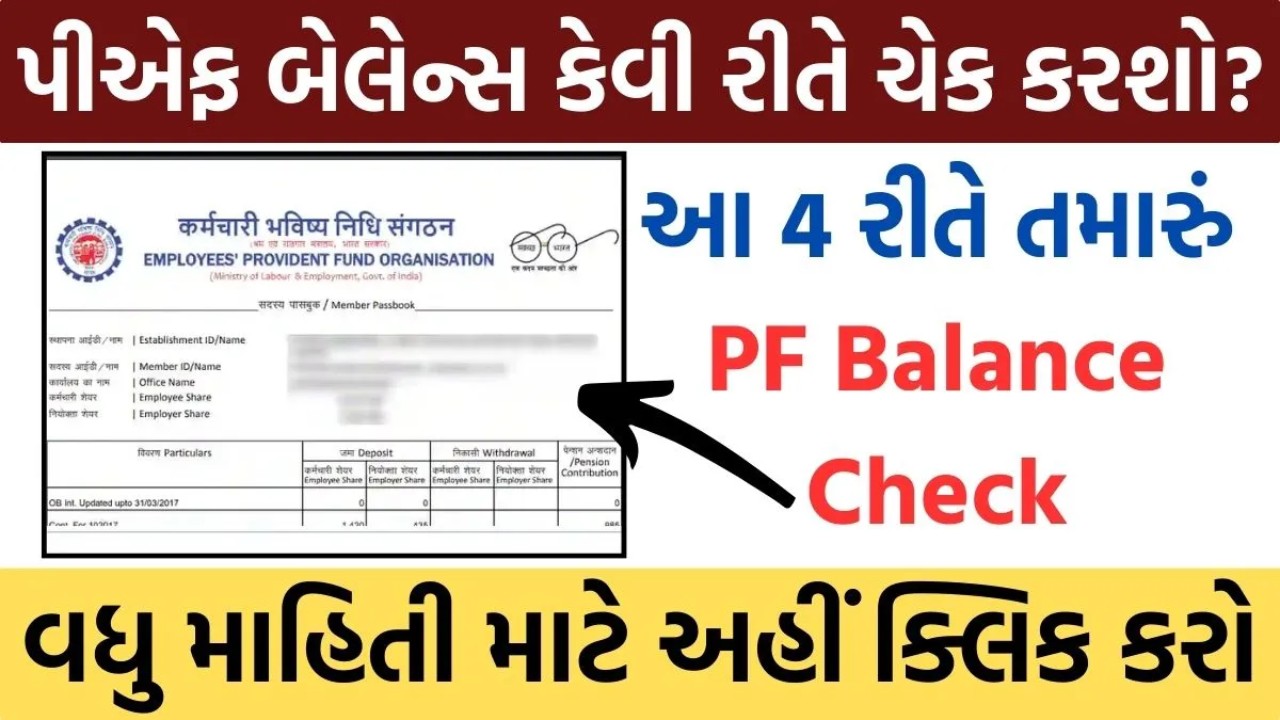
PF Balance Check: In today’s article, how to check PF balance? Let’s get information about it, here we have told you the process of checking PF balance in 4 easy ways , if you want to know this, then read this article till the end.
PF is deducted every month from the salary of working people in India. Which PF balance is deposited in the bank. This facility of checking PF balance is provided by EPFO . So now you can How to check PF balance? – PF Balance Check
You can check PF balance in 4 different ways . There are two ways through which you can check PF balance without internet. And you will need internet in two ways. The four methods are as follows.
- PF Balance Check through Miss Call
- PF Balance Check via SMS
- PF Balance Check through the Umang App
- PF Balance Check by UAN Number
How to check PF balance through Miss Call?
- First of all, you can check your PF balance by giving a missed call from the member’s mobile number registered on your UAN Portal .
- For which you will have to give a missed call from this number 01122901406 mobile number which is your registered mobile number.
- Now your phone will automatically disconnect after two rings . Soon a message will come on your mobile number. Which will tell you how much balance is deposited in your PF account .
How to check PF balance through SMS?
- You can check your PF balance by sending an SMS from your mobile .
- For this, you will have to type a message from the mobile number registered in your PF account .
- In the message, you have to write EPFOHO UAN and send the message to this number 7738299899 .
- So, how much PF balance is in your account, it will come to your mobile in a few seconds. All its information will come.
How to check PF balance through Umang App?
- First of all, you have to download the Umang App from the Play Store .
- After downloading the Umang App , open the Umang App and click on “Install App EPFO” .
- Then click on “Employee Centric Services” .
- Now after this click on the “View Passbook” option.
- Now enter your UAN Number and Password there.
- Now an OTP will be sent to your registered mobile number .
- Now enter that OTP there .
- Now you will see your PF balance .
How to check PF balance through UAN number?
- First of all, you have to go to the website
- When you open the home page of this website , you will see a form .
- In which form you have to enter UAN Number, Password and Captcha Code and submit .
- Now open Member ID .
- Now you will know how much PF balance is in your account.
PF Balance Check (FAQ’s)
Which website is there to check PF balance?
What is the app to check PF balance?
The name of the app is Umang App .
What is the number to check PF balance?
- Number to check PF through missed call: 7738299899
- Number to check PF via SMS: 7738299899
For this, you have to SMS ‘EPFOHO UAN’ to 7738299899 .
Friends, here we have given you complete information about PF Balance Check ? Also, we hope you enjoyed this article. Similarly, if you want to know various information, stay connected to our website
Important Links
| Official Website | View |
Thanks for visiting this useful post, Stay connected with us for more Posts. Visit every day for the latest offers of various brands and other technology updates.